
BREAKING NEWS: YCMOU Winter 2025 Exam Hall Tickets Released! Download Your Admit Card Now for January 2026 Exams

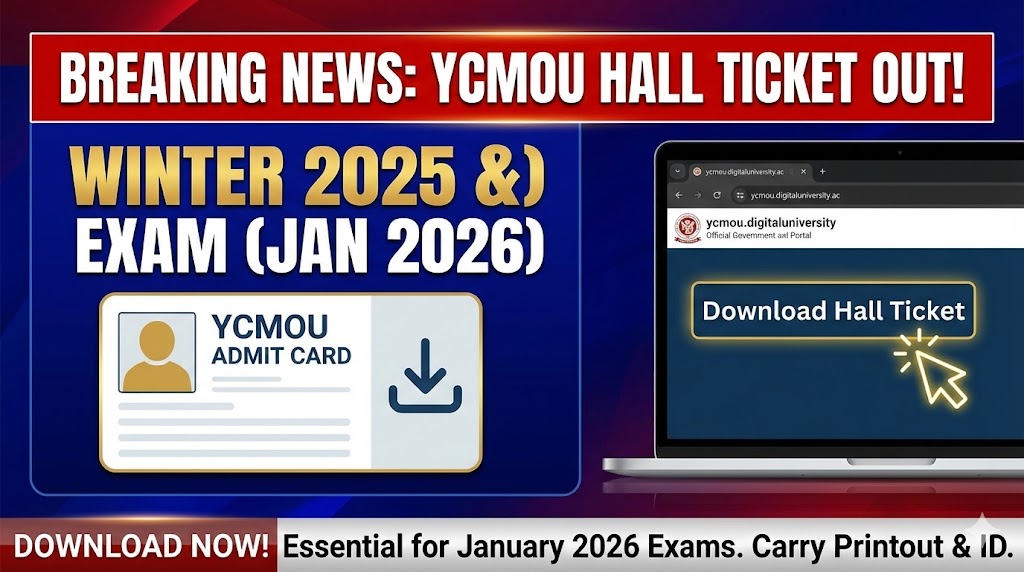
Nashik, Maharashtra – The wait is over for thousands of students of Yashwantrao Chavan Maharashtra Open University (YCMOU). The university has officially begun releasing the Hall Tickets (Admit Cards) for the Winter 2025 semester examinations. These exams, originally scheduled for December 2025, are tentatively set to commence in January 2026.
This is a critical update for all undergraduate, postgraduate, diploma, and certificate course students. The hall ticket is your mandatory entry pass to the examination hall, and no candidate will be permitted to appear for the exams without it.
Here is everything you need to know about accessing your YCMOU Winter 2025 Admit Card.
YCMOU Winter 2025 Exam: Key Highlights at a Glance
| Feature | Details |
| University Name | Yashwantrao Chavan Maharashtra Open University (YCMOU) |
| Exam Session | Winter 2025 (December Session) |
| Tentative Exam Month | January 2026 |
| Document | Hall Ticket / Admit Card |
| Status | Released / Available for Download |
| Login Credentials | Permanent Registration Number (PRN) or Username |
| Official Website | ycmou.digitaluniversity.ac |
How to Download Your YCMOU Hall Ticket: A Step-by-Step Guide
Students can download their admit cards directly from the university’s official digital portal. Follow these simple steps to get yours:
- Visit the Official Portal: Open a web browser and go to the official YCMOU Digital University website: https://ycmou.digitaluniversity.ac.
- Locate the Hall Ticket Section: On the homepage, look for a prominent tab or link labeled “Hall Ticket” (usually in the top menu bar).
- Select Your Exam Event: You will be prompted to select the appropriate exam event. Choose the option for “Winter 2025” or “December 2025”.
- Enter Your Credentials: Enter your 16-digit Permanent Registration Number (PRN) or your registered Username in the designated field. Enter the captcha code if prompted.
- Search and Download: Click on the “Search” or “Download” button. Your YCMOU Hall Ticket will be displayed on the screen.
- Save and Print: Download the hall ticket as a PDF file. It is crucial to take at least two clear printouts of the admit card for exam day use.
Crucial Details to Verify on Your Admit Card
After downloading your hall ticket, carefully check all the information printed on it. Any discrepancy could lead to problems on the exam day. Ensure the following details are correct:
- Your Full Name (as per university records)
- Your Photograph and Signature
- Permanent Registration Number (PRN)
- Exam Center Name and Full Address
- Seat Number / Roll Number
- Course Names and Subject Codes you are appearing for
- Exact Dates and Timings for each paper
⚠️ Important: If you notice any errors in your personal details, subjects, or exam center, contact your respective study center or the university’s examination department immediately for rectification.
Important Exam Day Guidelines for Students
- Mandatory Documents: You MUST carry a hard copy of your YCMOU Hall Ticket along with a valid Government-issued Photo ID proof (e.g., Aadhaar Card, PAN Card, Voter ID, Driving License, or College ID) to the exam center.
- Reporting Time: Arrive at the examination center at least 30-45 minutes before the scheduled commencement of the exam to complete security checks and locate your exam hall easily.
- Prohibited Items: Do not carry mobile phones, smartwatches, calculators (unless specifically allowed), books, notes, or any other electronic gadgets inside the examination hall.
- Follow Instructions: Strictly adhere to the instructions given by the invigilators during the examination.
Stay tuned to this page for further updates on the final exam timetable and other important announcements from YCMOU.
